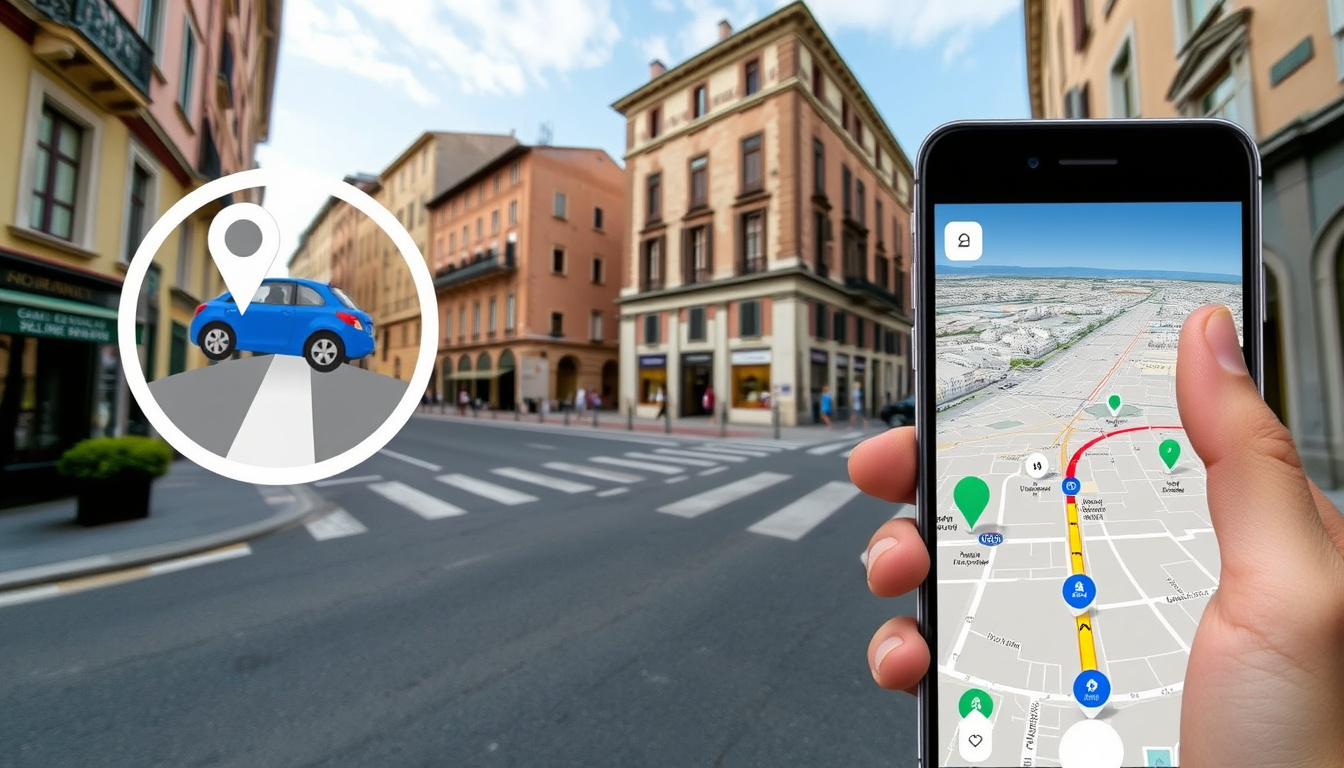
Few tools let you drop yourself onto a random street halfway across the world quite like Google Street View. Since 2007, it has quietly reshaped how we scout neighborhoods, plan trips, and settle bar bets — this guide covers access methods, debunks the “live view” myth, and lists top alternatives.
Year launched: 2007 ·
Countries covered: 100+ ·
Images captured: Over 220 billion ·
Update frequency: Varies by location
Quick snapshot
- Street View is not real-time (Google Support Official)
- Standalone app discontinued March 2023 (Panoee)
- Blue lines on the map indicate Street View coverage areas (Google Support Official)
- Exact update schedule for each location (Google Support Official)
- Whether Google will add live streaming features (Google Support Official)
- Availability in all countries due to legal restrictions (Google Support Official)
- Standalone app removed in 2023 (Panoee)
- Functionality fully merged into Google Maps (Panoee)
5 key facts, one pattern: the service has matured from a novelty into a deeply integrated mapping layer that most people access through a browser or the maps app, not a dedicated tool.
“The standalone Street View app was discontinued in March 2023.”
— Panoee
| Fact | Value |
|---|---|
| Launch Year | 2007 |
| Countries Covered | Over 100 |
| Total Images | Over 220 billion |
| Update Frequency | Varies by location, typically every 1-3 years |
| Coverage Type | Urban and rural roads |
How do I view Google Street View?
Access Street View on a computer
- Open Google Maps in any browser (no app required).
- Enter a location in the search bar.
- Drag the yellow Pegman icon from the bottom-right corner onto any blue-highlighted road. (YouTube Tutorial – How To Use Google Maps Street View)
- Click and drag to pan 360 degrees; use the on-screen arrows to move down the street.
Use Street View without the app
- On a computer, you already are — everything runs in the browser.
- On a phone, open the Google Maps website in Safari or Chrome. Google explicitly notes that blue lines on the map indicate Street View coverage areas (Google Support Official guidance).
- Tap and hold a location on the map to bring up the street-level thumbnail.
Navigate Street View interface
- Swipe your finger on mobile to look in every direction (YouTube Tutorial – How to Use Google Maps Street View on Phone & PC).
- Tap the forward arrows on the road to move along the street.
- Exit by tapping the back arrow (mobile) or the X (desktop) (YouTube Tutorial – How To Use Google Maps Streetview on Computer & Phone).
Google folded the standalone app into Maps in March 2023 (Panoee). For casual users the experience is nearly identical, but power users who relied on the app’s dedicated timeline or explorer features lost a few shortcuts.
The pattern: the key access methods remain unchanged, but the shift to Maps means fewer dedicated features.
How do I see a Street View of my house on Google?
Search for your address in Google Maps
- Type your full address into the Google Maps search bar on desktop or mobile.
- Press Enter or tap Search. The map centers on your location.
Drag the Pegman to see street-level imagery
- On desktop, locate the yellow Pegman in the bottom-right corner of the screen.
- Drag him onto any blue-highlighted road near your house.
- On mobile, open the Layers menu (the stacked diamond icon) and tap “Street View.” Then tap any blue line on the map.
View your house in Street View
- Once the street-level image loads, you can pan, zoom, and walk the block.
- Street View images are not real-time. Google’s own support page confirms imagery is captured by special camera cars and may be months or years old (Google Support Official).
- Google automatically blurs faces and license plates for privacy.
If you live in a rural area or a country where Google’s camera cars rarely visit, your street may have no coverage, or the image could be several years old. The blue overlay on the map is the only reliable indicator of what’s available.
What this means: privacy protections are automatic, but coverage gaps persist.
How to do Street View on mobile?
Using Street View in the Google Maps app (iOS)
- Download or update the Google Maps app from the App Store.
- Search for a location.
- Tap the layers icon (diamond) and select “Street View.” (Google Support Official)
- Tap a blue line to enter street-level mode.
Using Street View in the Google Maps app (Android)
- Same steps. The Android app features are identical to iOS.
- You can also drop a pin by pressing and holding on the map; a Street View thumbnail will appear at the bottom of the screen.
- Tap the thumbnail to enter the 360-degree view.
How to go directly to Street View on iPhone
- In Google Maps, search for the location.
- If the location has Street View coverage, the thumbnail appears in the bottom info card.
- Tap it. You are now in Street View. Tilt your phone to move the viewport naturally (gyroscopic mode).
The pattern across mobile: the fastest route is always “search, then tap the thumbnail.” The layers menu is useful for exploring an area, but for a single address the thumbnail shortcut saves two taps.
Can I see the live view of my house?
Why Street View is not live
- Google Street View imagery is collected by a fleet of camera cars, backpacks, and tricycles, then processed and stitched over weeks or months.
- Google Support explicitly states the imagery “may not reflect current conditions” (Google Support Official).
- No live video feed feeds into Street View.
What are live satellite views?
- Even satellite imagery in Google Earth is not truly real-time — it’s a mosaic of recent passes that can be days, weeks, or months old.
- Consumer-grade live satellite feeds do not exist; the latency on the best commercial satellites is still measured in hours.
Alternatives for real-time images
- Public traffic cameras and webcams offer near-live street-level views. Websites like EarthCam or city DOT portals aggregate them.
- Neighborhood apps like Nextdoor sometimes share user-uploaded photos of current conditions, but quality and coverage vary wildly.
- No major mapping service offers live street-level video for privacy and bandwidth reasons.
The common fantasy of dropping a pin and seeing a live satellite feed is still science fiction. For a homeowner trying to check whether their street just flooded, a public webcam is the only current option — and it probably does not cover your block.
The catch: real-time street-level views remain unavailable to consumers, making public webcams the only practical workaround.
What replaced Google Street View?
Is Google Street View being discontinued?
- No. The standalone Street View app was discontinued in March 2023 (Panoee), but the feature remains alive inside Google Maps and Google Earth.
- Google continues to update imagery and expand coverage.
Top alternatives to Google Street View
Here’s how the major services stack up against each other.
| Feature | Google Street View | Apple Look Around | Bing Streetside |
|---|---|---|---|
| Platform | Web, Android, iOS | Apple devices | Web |
| Coverage | 100+ countries | Limited cities | Europe, North America |
| Quality | Standard resolution | Higher resolution | Standard resolution |
| Real-time? | No | No | No |
- Apple Look Around: Exclusive to Apple devices. Offers smoother 3D-like transitions between frames and higher-resolution imagery in supported cities (Panoee). Coverage is limited but growing.
- Bing Streetside: A web-based alternative that covers vast areas of Europe and North America. Accessible via Bing Maps (Panoee).
- Mapillary: A crowdsourced platform where users upload their own 360-degree photos. It is owned by Meta and widely used by municipalities and researchers.
- Panoee: An aggregator that indexes Street View and other panoramic data in a single interface.
How to choose an alternative
- If you are on iPhone and your city is supported, Apple Look Around offers the best visual quality.
- If you need global coverage, Google Street View inside Google Maps remains the deepest dataset.
- If you want fresh, community-driven imagery, Mapillary is often weeks ahead of Google’s car visits.
3 key alternatives, one pattern: each fills a specific gap — Apple for smooth transitions, Bing for desktop-only users, Mapillary for timeliness. No single service matches Google’s geographic breadth yet.
“Street View imagery is captured by special cameras and may not reflect current conditions.”
— Google Support documentation
Summary
Google Street View is alive and well — just integrated into Google Maps rather than living in its own app. The images are not live, and likely never will be for consumer use. For anyone trying to check a new neighborhood or find their childhood home, the fastest path is a search and a tap on the thumbnail. For iPhone users in select cities, Apple Look Around offers a more polished experience. For everyone else, Google still has the deepest coverage by a wide margin. The choice is clear: use Street View inside Maps for breadth, Apple Look Around for quality where available, or Mapillary for timeliness.
Related reading: South Australia Map Guide · Where Is Doha
For a detailed walkthrough of the same features on both PC and mobile, check out this Google Maps Street View guide that covers every step in depth.
Frequently asked questions
How often are Street View images updated?
Update frequency varies by location. Major cities may be refreshed every 1-3 years; rural areas can go much longer without new imagery. Google does not publish a fixed schedule for any specific address.
Is Street View available in my country?
Street View is available in over 100 countries, but coverage density varies widely. You can check availability by opening Google Maps and looking for blue line overlays in your area.
Can I add my own 360 images to Street View?
Yes. The Street View Studio app (replacing the old Street View app) and third-party cameras allow you to publish your own 360-degree photo tours. They undergo moderation before appearing publicly.
How do I report a blurry image in Street View?
Open the Street View image, click or tap the three-dot menu in the top corner, and select “Report a problem.” You can flag blur, outdated imagery, or privacy concerns.
Does Street View work indoors?
Yes, Google has captured indoor 360 imagery for select businesses, museums, and airports. These appear as “Google Street View” indoor tours, accessible the same way as outdoor imagery.
How can I save or share a Street View image?
Use the share button in the top-left corner to copy a direct link to the current Street View location. On mobile, tap the share icon and choose your sharing method. Screenshots are also allowed for personal use.
Can I use Street View offline?
Street View imagery is not officially available for offline download inside Google Maps. However, you can save an area in Google Maps for offline navigation — that cached map does not include interactive Street View data.
Related stories


Ben Singh covers culture, lifestyle and society across Australia for Aussie Report.