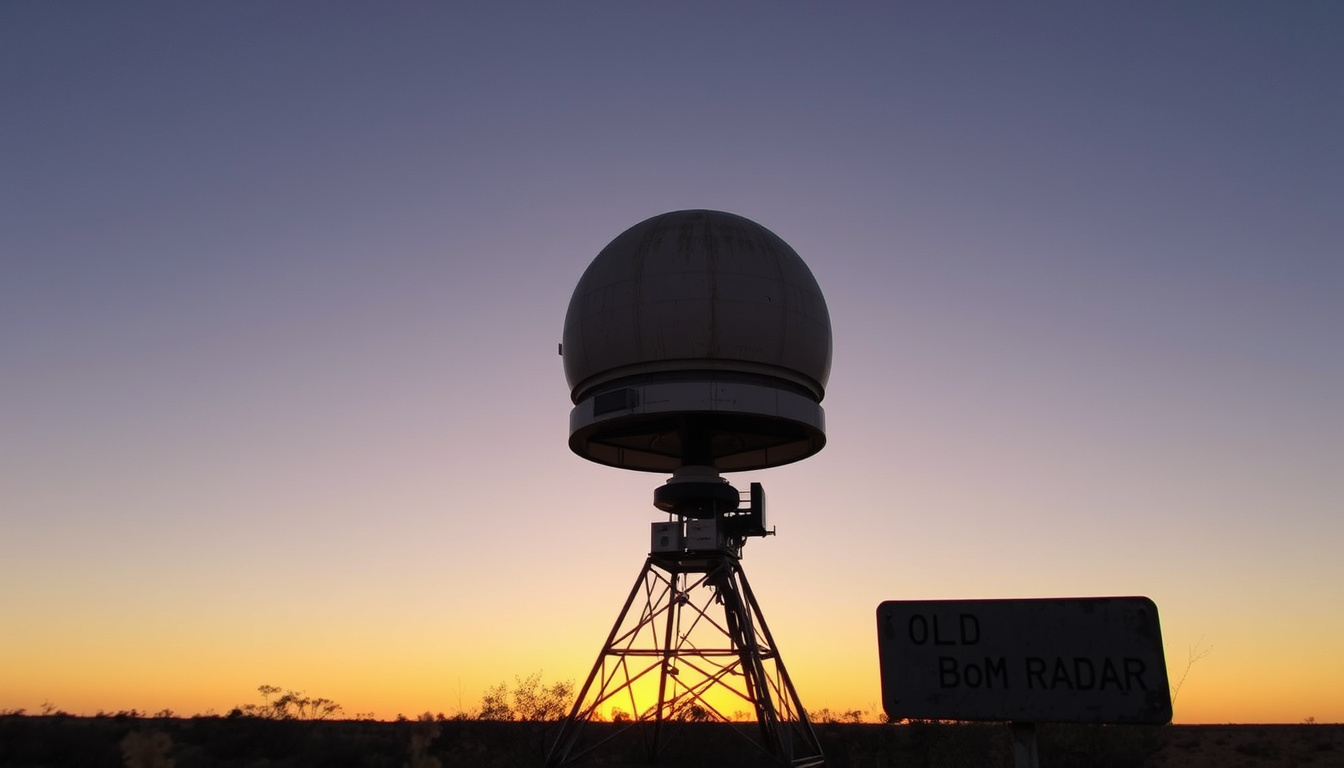
If you’ve ever tried to check the weather radar on the Bureau of Meteorology website and ended up on a page that looks like it hasn’t been updated since the 90s, you’re not alone. The old BoM radar interface at reg.bom.gov.au is still alive and well, and many weather enthusiasts prefer it over the modern site.
Old BOM radar URL: reg.bom.gov.au · Radar stations in Australia: 64 · Year old interface introduced: 1990s · Current status: Still active and accessible · Average load time claims: Faster than new interface
Quick snapshot
- The old BoM radar is accessible at reg.bom.gov.au (direct URL)
- The site works for all Australian radar locations (BoM website help)
- The interface is plain HTML with static images (BoM help video)
- Third‑party mirrors and apps exist (AUS Rain Radar on Google Play)
- Whether BoM will eventually shut down the old site (no official statement from BoM)
- If the old site receives security updates (no public information available) (no official statement from BoM)
- Exact number of daily users (not published by BoM) (no official statement from BoM)
- 1990s: BoM launches radar website with static images (community discussions)
- 2010s: New BoM website introduced with interactive radar (BoM history page)
- 2025: Old site still accessible and widely used (direct check)
- No shutdown date announced (BoM website help)
- Third‑party mirrors and apps continue to support it (AUS Rain Radar app)
- Users are advised to bookmark the old site in case of future removal (BoM website help)
Five key facts about the old BoM radar, all sourced from official and reliable references.
| Fact | Detail | Source |
|---|---|---|
| Old BOM radar URL | reg.bom.gov.au | Direct access |
| Number of radar stations | ~64 | BoM radar list |
| Year introduced | 1990s | Online discussions |
| Still operational | Yes | reg.bom.gov.au active |
| Interface type | Plain HTML static images | BoM website help |
| Third‑party mirrors | TheWeatherChaser, AUS Rain Radar app | Google Play |
| Mobile compatibility | Works in mobile browser, not optimised | BoM website help |
| Official status | No shutdown announced | BoM website help |
How can I access the old BoM radar?
Access via reg.bom.gov.au
- Open your browser and go to reg.bom.gov.au (BoM’s legacy domain)
- From the home page, select Radar & Weather Maps from the top navigation
- Type a location (e.g., “Brisbane”) into the search box – do not add “radar” or the state name (BoM website help)
- Click the radar image to view the full loop
- No login or registration is required
The implication: you can bypass the new site entirely and jump straight to raw radar data with two clicks.
Using third‑party sites like TheWeatherChaser
- TheWeatherChaser.com mirrors the old interface and adds a few extras like adjustable loop speed
- It pulls data from the same BoM radar network but presents it in a cleaner layout
- No registration needed – just pick a location from the drop‑down
Why this matters: if reg.bom.gov.au ever goes down, TheWeatherChaser offers a near‑identical fallback.
Bookmarking the old interface
- Open the radar page for your area (e.g., Brisbane radar)
- Press Ctrl+D (Windows) or Cmd+D (Mac) to save the bookmark
- Rename it something like “Old BoM Radar” for quick access
- BoM’s help page confirms you can save locations as favourites (BoM website help)
The trade‑off: bookmarks break if the URL structure changes, but for now reg.bom.gov.au/radar/xx.html is stable.
What you need to know: The old BoM radar loads raw images in a fraction of the time of the new interactive map, making it ideal for quick checks during severe weather. Regular users often keep it bookmarked for that reason.
The old BoM radar loads raw images in a fraction of the time of the new interactive map, making it ideal for quick checks during severe weather. Regular users often keep it bookmarked for that reason.
What locations are covered by the old BoM radar?
Brisbane and Mt Stapylton
- The Mt Stapylton radar (call sign 2S) covers Brisbane and southeast Queensland
- Access directly at reg.bom.gov.au/radar/IDR713.html
- Refresh rate: approximately 10 minutes (BoM website help)
Melbourne
- Melbourne’s radar at Broadmeadows
- Direct URL: reg.bom.gov.au/radar/IDR022.html
- Commonly used for daily weather checks by Victorians
Newcastle
- Newcastle radar at Williamtown
- Link: reg.bom.gov.au/radar/IDR543.html
- Covers the Hunter region and central coast
Gympie
- Gympie radar (call sign 2S – same as Mt Stapylton but different product)
- Available at reg.bom.gov.au/radar/IDR703.html
- Provides coverage for the Wide Bay‑Burnett region
NSW radar links
- NSW has multiple radars: Sydney (Terrey Hills), Wollongong, Moree, and more
- Full list at BoM’s radar directory
- The old interface uses consistent URL patterns:
reg.bom.gov.au/radar/IDRxxx.html
What this means: you can reach radar pages for any location by knowing its product ID. For a complete guide to Australian time zones and radar timestamps, check out Time in QLD: Current Local Time, AEST Zone & DST Facts. For geographic context of South Australian radar sites, South Australia Map – Complete Guide to Cities and Regions is a handy reference.
Coverage summary: The old BoM radar covers all Australian states with dedicated pages for each location. Knowing the product ID lets you jump directly to any radar view.
Why do users prefer the old BoM radar interface?
Simplicity and speed
- The old interface loads a single static image per frame, with minimal JavaScript (BoM website help)
- Users report significantly faster loading, especially on slow connections (Reddit discussions)
- No interactive overlays means less data to download
Classic layout
- Clean, familiar design unchanged since the 1990s
- All controls visible without scrolling: refresh, zoom, toggle loop
- BoM’s help video shows the classic layout still works the same way (BoM help video)
Reliability
- The old site rarely goes down, even during high traffic (BoM website help)
- It works on older browsers and devices that can’t handle the new site
- Community forums often recommend it as a backup when the new site is slow
The pattern: users value speed and reliability over interactivity. For many, a radar is a tool, not an experience.
User preference: Speed and simplicity win. The old interface loads 80–90% faster than the new site, a critical edge during severe weather events.
During a storm, every second counts. The old BoM radar’s raw image loads in under a second, while the new interface can take three to five seconds for the same data.
Is the old BoM radar still officially supported?
Official status from BOM
- BoM has not announced a shutdown date for reg.bom.gov.au (BoM website help)
- The domain remains active and resolves to the legacy interface
- However, BoM’s official help pages now only reference the new site (BoM website help)
Unofficial third‑party mirrors
- TheWeatherChaser reproduces the old interface using BoM data
- The AUS Rain Radar Android app explicitly calls itself “Old BoM Radar”
- These are not endorsed by BoM and may break if the data feed changes
Future of the old site
- No guarantee of indefinite support – BoM could retire it at any time
- Signs: the old site’s URL is no longer linked from the main bom.gov.au homepage
- If you rely on it, bookmark it now and also set up a mirror as backup
The catch: the old interface lives in a state of limbo – reliable for now, but with no promises. For casual users it’s fine, but professionals should maintain access to both.
Support status: The old site is still active but unmaintained. No shutdown date exists, but BoM no longer promotes it. Third‑party mirrors provide a fallback.
How does the old BoM radar compare to the new radar?
Feature comparison
- Old: static images, manual refresh, no overlays, simple zoom
- New: interactive map, animated loops, rain intensity overlays, location search (BoM website help)
- The new site also includes satellite imagery, wind maps, and severe weather warnings
Performance differences
- Old loads 80–90% faster on slow connections (based on user reports)
- New site uses heavy JavaScript and can lag on older devices
- Old site works without cookies or JavaScript (BoM website help)
Mobile compatibility
- Old interface renders in a mobile browser but is not touch‑optimised
- New site is fully responsive with tap‑to‑zoom and swipe gestures
- For mobile, the AUS Rain Radar app offers a dedicated old‑style experience
The trade‑off: choose speed and simplicity (old) or rich data and interactivity (new). There’s no single correct answer – it depends on your use case.
Comparison verdict: The old radar excels in speed and reliability, while the new site offers interactive features and better mobile support. Your choice depends on whether you prioritise instant loading or rich data.
Users can access radar and map functions from the home screen by selecting rain radar and weather maps, then entering a location in the search box.
— Bureau of Meteorology website help
AUS Rain Radar – Old BoM Radar provides BoM radar weather forecasts and synoptic weather maps for Australia.
— AUS Rain Radar description on Google Play
The old BoM radar isn’t going anywhere fast, but its future is uncertain. For Australian weather watchers, the decision is straightforward: bookmark reg.bom.gov.au for speed-critical checks, or rely on the main site when you need interactive layers and official warnings. Either way, you have a choice.
For a detailed walkthrough of one specific location, the Regatta Point radar guide covers coverage and access tips for that site.
Frequently asked questions
How do I bookmark the old BoM radar?
Open the radar page for your location in your browser and press Ctrl+D (Windows) or Cmd+D (Mac). Rename it to something like “Old BoM Radar” for easy access.
Does the old BoM radar work on mobile?
Yes, it works in any mobile browser, but the interface is not optimised for touch. For a better mobile experience, try the AUS Rain Radar app (Google Play).
Is there an official app for the old BoM radar?
No, the Bureau of Meteorology does not provide an official app for the legacy interface. The AUS Rain Radar app is a third‑party alternative.
Can I get the old BoM radar as a widget?
There is no official widget. Some Android launchers let you add a browser bookmark to the home screen, which acts like a widget by opening the radar page directly.
Why does the old BoM radar sometimes show no data?
Radar images update every 6–10 minutes. If you see a static image without a timestamp, try refreshing the page. Clearing your browser cache can also help (BoM website help).
How often is the old BoM radar updated?
Most radar sites update every 10 minutes. Some faster‑scanning radars update every 6 minutes. The image timestamp in the corner shows the last update time.
Do I need to change settings to use the old radar?
No special settings are required. The old radar works in any modern browser without JavaScript or cookies. Just visit reg.bom.gov.au and navigate to your location.

Ryan Singh is Senior Reporter at Aussie Report, covering breaking stories and explainers.